When AI Reads Your Design Rules Too: Why a Good Spec Matters More Than Ever
Over years of working with design studios, I've received countless beautiful mockups. And with almost every one I've had to ask the same question: "What should happen when…?" When the headline is twice as long. When the user has no profile photo. When the page opens on a phone held sideways. A design shows the ideal state – but a website lives in all the other ones.
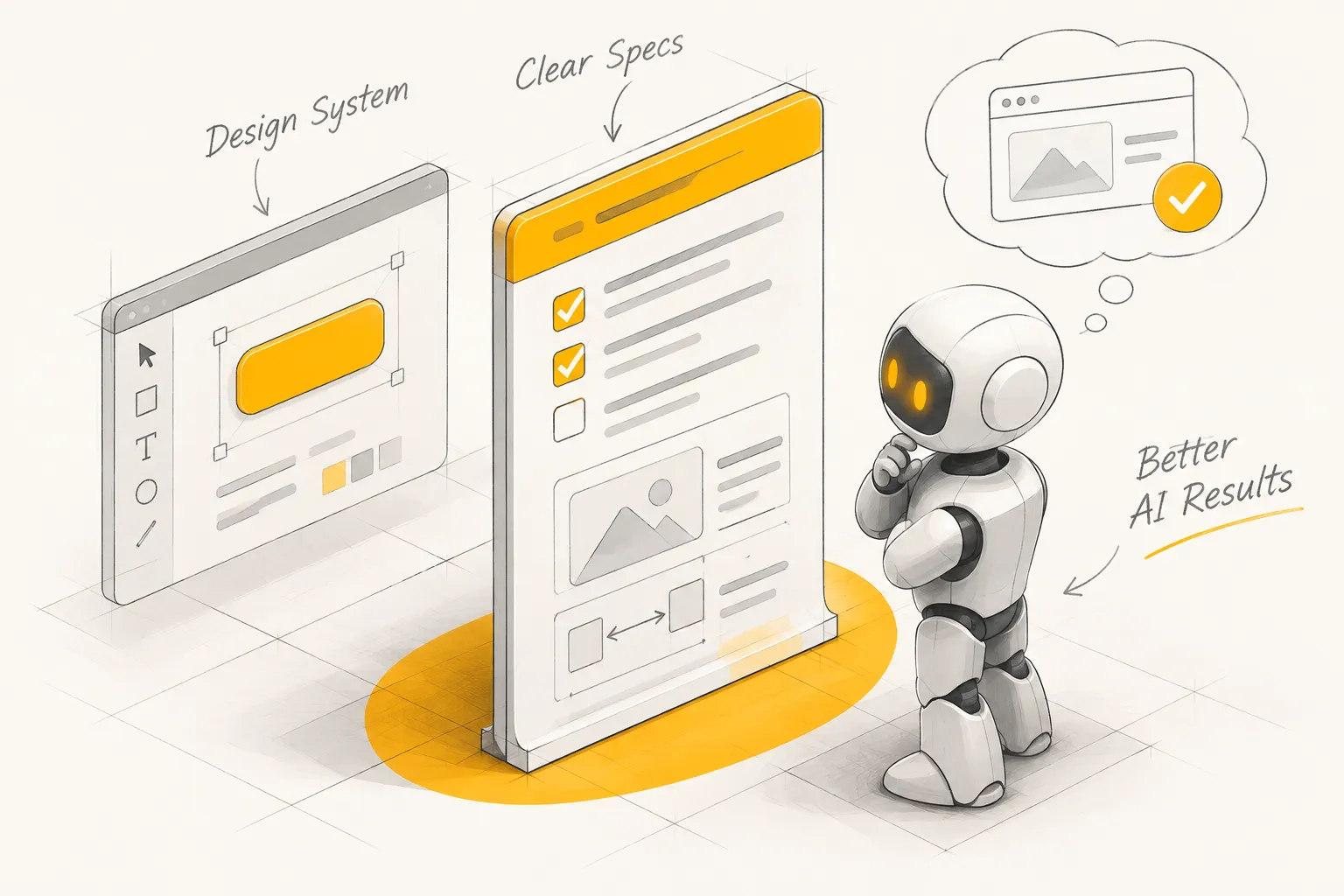
In mid-October Figma announced a feature that puts this old pain point in a new light. Specs lets teams write down their design rules in a simple text format (markdown) so that AI agents – which now generate components and code inside design and development tools – can follow them. In other words, even AI needs a "design manual". And that's good news for all of us.
What has actually changed
Not long ago, a design was handed over as a picture and a developer "rewrote" it into code. Today there's often a third player between the designer and the finished site: an AI assistant that can generate a first version of an interface from a mockup in minutes. It works surprisingly well – as long as we're talking about what's visible in the design.
The trouble is with what isn't visible. The AI doesn't know that the primary button appears only once per screen across the brand. It doesn't know that grey text under 14 px is off-limits for your client for readability reasons. It doesn't know that an animation should disappear entirely when the user has "reduce motion" switched on. All of this has to be written somewhere – and that's exactly what Specs and similar tools are for.
Rules worth writing down
You don't need to write a novel. In my experience, these are the things most worth capturing:
Component states. What does a button look like on hover, on press, when disabled, while loading? A form with an error? An empty list? Every missing state means either I invent it or the AI does – and neither of us is the designer.
Resizing behaviour. What wraps, what shrinks, what disappears? A sentence like "on mobile the sidebar moves below the content" saves an hour of back-and-forth.
Content limits. The longest possible product name, the smallest number of gallery items, what to do when an image is missing. Real data is always uglier than lorem ipsum.
Accessibility. Minimum contrast, tap-target sizes, how the menu works from a keyboard. Since June 2025 the European Accessibility Act has been fully in force in the EU, so this is no longer a nice-to-have.
Motion. Animation durations and easing, when they trigger and how they behave with reduced motion. Animation is one of the places where the designer's vision and the result drift apart most often.
What it looks like in practice
The good news is that every designer can write rules – you explain them to clients every day. The only difference is that instead of putting them in an email or a meeting, you attach them to the design. I recommend starting with a small "brand rules" file: colours and how to use them, the type hierarchy, three to five principles for buttons and forms. Then grow it based on the questions your developer asks. Any question you get twice deserves a line in the rules.
For me as a developer, a document like that is gold. I don't have to guess whether a 23 px gap is intentional or a slip. The AI agent I work with gets the same rules, and its first draft of the code lands noticeably closer to what you wanted. And the client? They pay for fewer hours of fixes.
What to watch out for
AI tools are fast but literal. If your rules contradict each other ("buttons are always rounded" and further down "cards have sharp corners, including buttons"), the machine will pick one – and not necessarily the right one. Write rules that are specific, short, and free of exceptions hidden in footnotes. And don't expect them to replace conversation. A spec is a great start to collaboration, not the end of it.
Conclusion
Figma's new feature isn't a revolution in itself – it's more a confirmation of what developers have been saying for years: the most valuable part of a design is often the part you can't see. Whoever can write their decisions down clearly now gets a better result from people and machines alike. On your next project, try attaching one page of rules to the design. You'll see how many of my questions disappear.