The End of the Rectangle: CSS Finally Learns Shapes
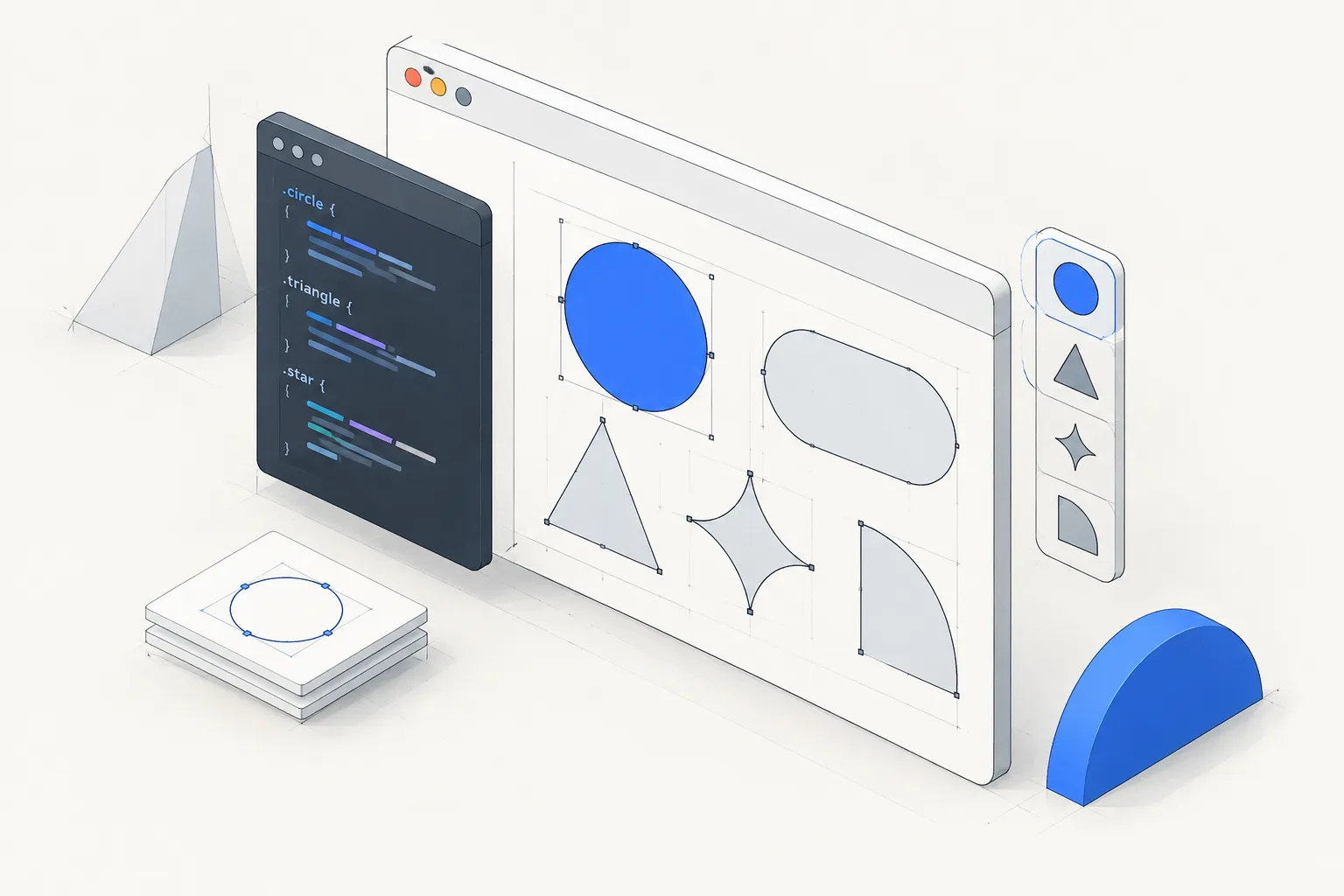
For thirty years the web pretended the world is made of rectangles. Every image, button and chat bubble was a box, and when a designer drew something different, the developer sighed and reached for SVG or a pile of hacks. That is changing: the W3C has published new specifications, and according to a recent article in The Register, browsers can now draw shapes directly in CSS.
What actually changed
There are three tools. The shape() function describes any outline with coordinates that adapt to the size of the element. Before, we used path(), which was fixed and could not scale sensibly. The corner-shape property changes the character of corners: besides rounded ones it offers bevels, notches, scoops and the so-called squircle, that smooth iOS-style corner. And border-shape lets the border itself follow a drawn shape.
What you can already promise a client
Let me be upfront here. shape() works in all major browsers today, so I can ship it without worry. corner-shape and border-shape are still experimental and work mainly in Chrome, Edge and Opera. That does not mean you cannot use them. It means Safari or Firefox will show a simpler version, such as an ordinary rounded corner. So the design should include an ideal look and a fallback look, and the client should know that in advance.
Why designers should care
Tickets with a notched edge, speech bubbles with a tail, cards with beveled corners or sections with an unusual cut used to be expensive and fragile. An image or SVG would fall apart when the text changed, look different on mobile and be harder to animate. New CSS shapes behave like any other element: they adapt to content, animate smoothly and add no extra files. Morphing from one shape to another is no longer a trick, just an ordinary animation.
How to hand it over
Three practical tips. First, tell me the shape is intentional, not decoration: if it is key to the brand, we plan for it from the start. Second, draw a fallback for older browsers too, so we do not argue about what happens when the shape is missing. Third, note in the design how the shape should behave with different text lengths. A ticket with five words looks great; with five lines, less so.
Conclusion
The web is slowly getting rid of its boxes. That does not mean every design should be full of squiggles, but ideas we once rejected as too laborious are worth reopening. If you have a layout in the drawer that a developer once shook their head at, show it again. The answer may now be yes.