Figma can do shaders now. But how do they get onto a real website?
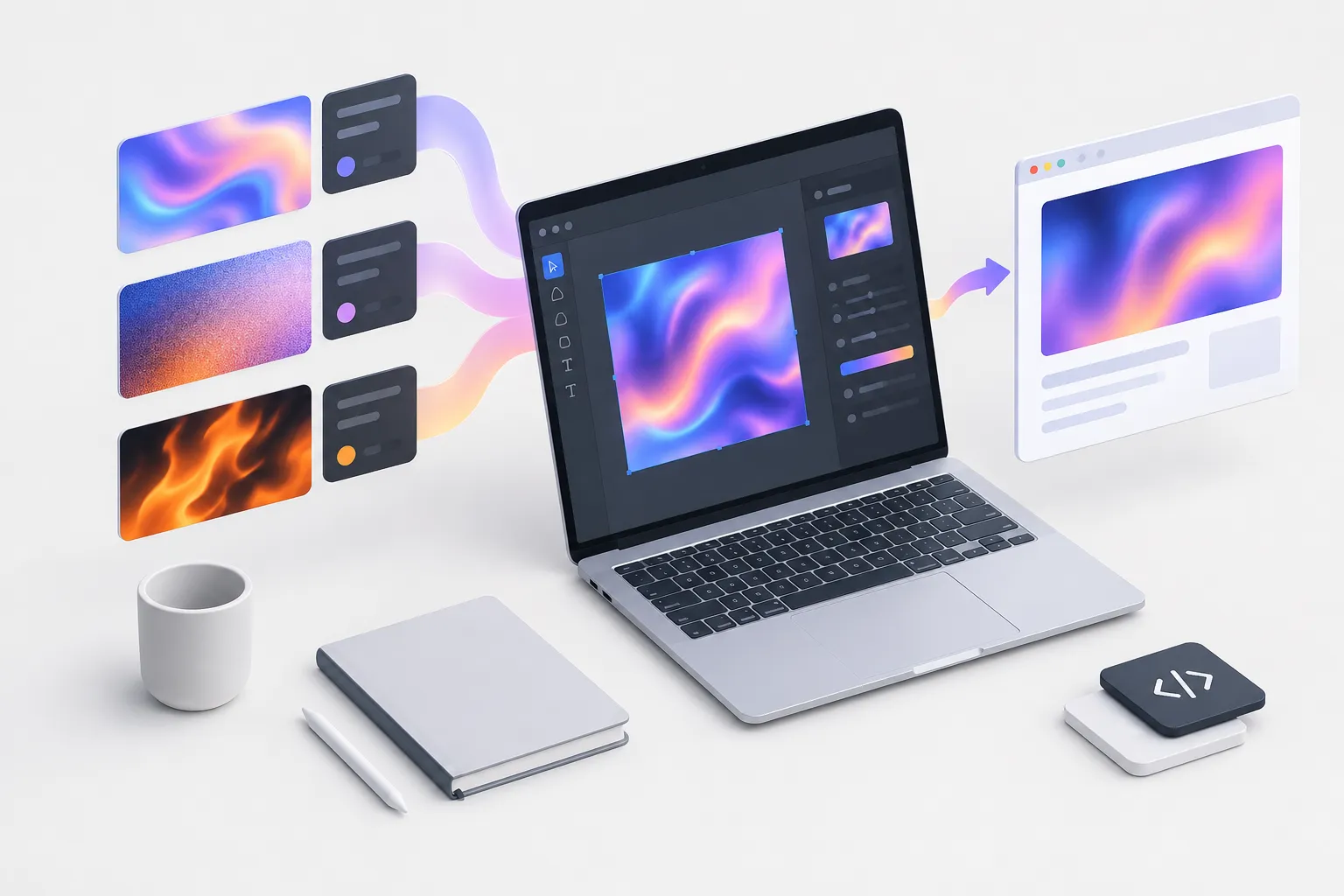
In early September, Figma released shaders in open beta. You describe an effect to the agent — “a gently rippling gradient”, “film grain”, “distortion like looking through glass” — and Figma renders it right on the canvas. The generated shader code can be viewed and downloaded, and finished effects can be shared in the Community.
Designers naturally started experimenting right away, and I’ve already received the first designs featuring “that live background from Figma”. Hence this article: what happens when an effect like that arrives at handoff, and what it actually turns into on the web.
What a shader actually is
A shader is a small program that runs not on the processor but on the graphics card. It calculates the colour of every single pixel — up to sixty times a second. That’s why it can do things plain CSS or an image can’t: smooth distortions, noise, light, refraction.
On the web, shaders run through WebGL, which practically every browser supports, and more recently through WebGPU, which all major browsers now support (some only on certain platforms so far). So technically there’s no obstacle — a shader from Figma can be brought to the web. The question is at what cost.
Why “just a background” isn’t just a background
In Figma, a shader runs on a powerful laptop, in a single window, with nothing else going on. On the web it runs on a budget phone, next to video, fonts, analytics and everything else. A full-screen shader recalculates every pixel over and over — even when nothing is changing. That means a warm phone, a faster-draining battery and, on weaker devices, choppy scrolling.
A developer can deal with this: run the shader only while it’s visible, lower its resolution, reduce the frame rate, switch it off entirely on weak devices. But each of those is extra work that needs to be in the budget. “Adding that background from Figma” is closer to a day of work than ten minutes.
One more thing: generated code is a good starting point, not a finished result. A shader from the canvas is written for Figma’s environment — on the web, the developer has to wrap it and connect it to the window size, scrolling and interaction. It’s like exported CSS: it saves searching, it doesn’t replace implementation.
What to add to the design for a smooth handoff
If a shader is in the design, it helps a lot when the designer answers four questions up front.
Fallback state: what does the section look like when the shader isn’t running or is still loading? A static image or a simple gradient should be part of the design, not an emergency fix added at the last minute.
Reduced motion: some people have reduced motion enabled in their system settings, for example because of nausea or migraines. The web can detect this (prefers-reduced-motion) and the effect should stop. What does the paused version look like?
Readability: text on a moving background needs sufficient contrast at every moment of the animation, not just in the screenshot.
Priority: is the effect a core part of the identity, or a “nice to have”? That decides how much time goes into it — especially on mobile.
Where shaders make sense
I don’t want to ban them — quite the opposite. One well-considered effect in a hero section or on a campaign landing page can make a site memorable, without a video weighing megabytes. A shader is often just a few kilobytes. Subtle things work well too: grain over a photo, a slow colour shift, a reaction to mouse movement.
What works worse is shaders everywhere — on every card, in every section, behind the whole site. That’s where performance costs add up and the effect stops being an effect.
The honest summary
Shaders in Figma are a great tool for trying out ideas, and for the first time a designer can create a visual effect on their own, without a developer. They can make it to the web. Just keep in mind that a live effect is a piece of software, not an image — it needs a fallback, a no-motion version and a place in the budget. When that’s in the design, handoff takes a day. When it isn’t, it gets patched at the last minute, and mobile usually pays the price.
If a designer has a shader in the design, the fastest route is to send me the Figma link along with the role the effect should play. I’ll check how it behaves on a phone and we’ll agree on scope.